
INSIGHTAPPSEC
Dynamic Application Security Testing
InsightAppSec performs black-box security testing to automate identification, triage vulnerabilities, prioritize actions, and remediate application risk.
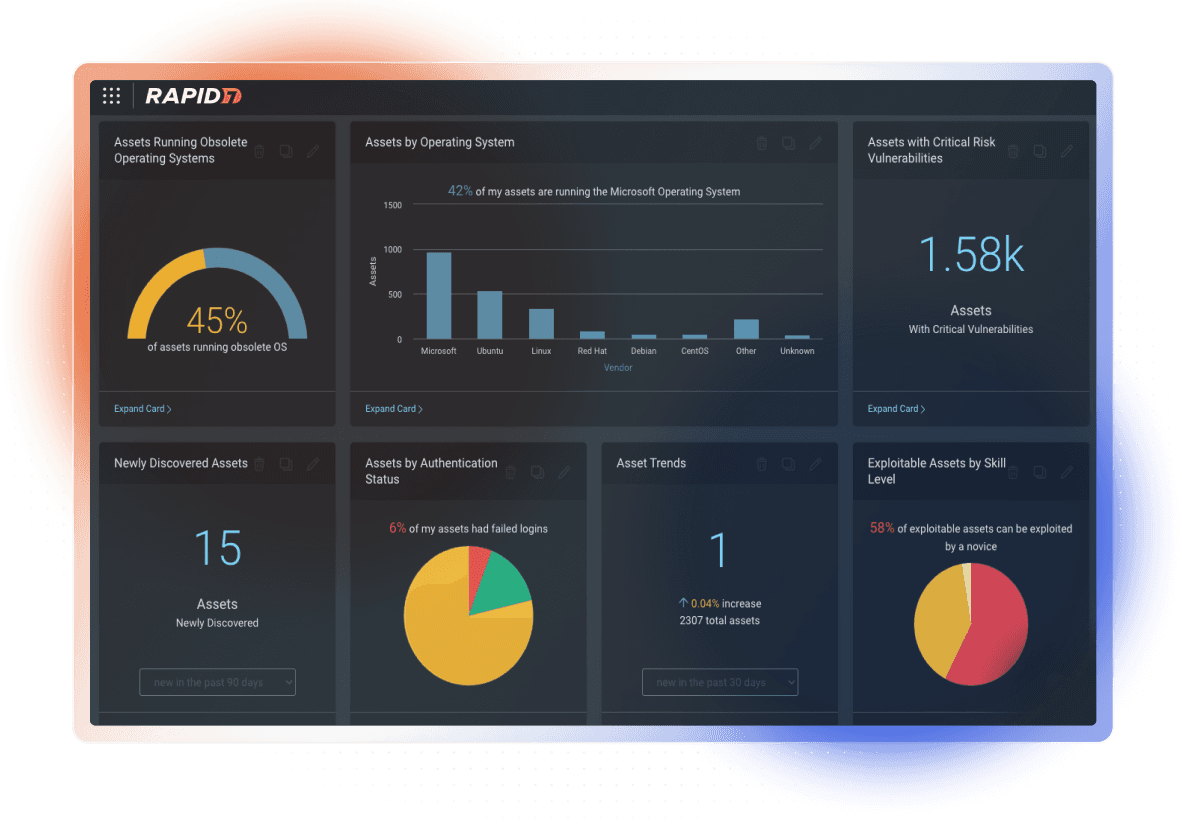
Efficiently reduce risk in modern web applications

Secure the modern web
Automatically assess modern web apps and APIs with fewer false positives and missed vulnerabilities.

Collaborate with speed
Fast-track fixes with rich reporting and integrations, and inform compliance and development stakeholders.

Scale with ease
Effectively manage the security assessment of your application portfolio, regardless of its size.
Secure the modern web
Automatically assess modern web apps and APIs with fewer false positives and missed vulnerabilities.
Collaborate with speed
Fast-track fixes with rich reporting and integrations, and inform compliance and development stakeholders.
Scale with ease
Effectively manage the security assessment of your application portfolio, regardless of its size.

Explore Exposure Command
Confidently identify and prioritize exposures from endpoint to cloud with full attack surface visibility and threat-aware risk context.
featured USE CASES
Accomplish more with InsightAppSec
Accurate and reliable dynamic application security testing (DAST)
Start scanning in as few as five minutes
The modern UI and intuitive workflows built on the Insight platform make InsightAppSec easy to deploy, manage, and run. Scan applications hosted on closed networks with the optional on-premise engine.


Attack Replay saves me a lot of time. Developers don’t ask me nearly as often to run additional scans to test a new security bug patch—instead they can test it directly from the vulnerability report.
INSIGHTAPPSEC
Key features
Click-and-scan web app security testing
The Universal Translator understands the formats, protocols, and development technologies used in modern mobile and browser-based applications. Whether analyzing data from a traditional name::value pair crawl or traffic captured within a proxy capture for modern apps, the Universal Translator normalizes traffic and attacks your application to uncover vulnerabilities.
Test for 95+ attacks, including the OWASP Top Ten
Our research and product teams keep up with the latest app security attacks and best practices, so you don’t have to. InsightAppSec goes beyond just the OWASP Top Ten to test for over 95 attack types and best practices; you can also create custom checks to address issues and risks custom to your environment.
Address the OWASP Top Ten
The Open Web Application Security Project, or OWASP Top Ten, is a list of critical vulnerabilities that security teams should be hypervigilant of, especially in their web applications. InsightAppSec provides attack templates for the 2013 and 2017 OWASP Top Ten web vulnerabilities, making it simple for security teams to assess the compliance of their applications against these particularly important vulnerabilities.
Discover vulnerabilities due to misconfiguration
Not all web application vulnerabilities are rooted in the application logic; sometimes, a simple misconfiguration alone could leave an application exposed to attack. Misconfiguration vulnerabilities don't exist in the application source code, and are therefore less visible to Static Application Security Testing (SAST) tools. InsightAppSec specifically checks for misconfigurations in running web applications to give security teams visibility into these vulnerabilities.
Empower your developers and ease remediation with attack replay
Attack Replay allows your developers to confirm a vulnerability on their own without needing to run a scan. Sometimes providing a static report isn’t enough to prove a vulnerability exists—developers need an easy way to reproduce an issue. Enter Attack Replay. After developers have implemented a fix for the vulnerability, they can immediately test their work, thus helping them to quickly close out their tickets and simultaneously reduce application security risk.
Reduce friction between security and development
Security and development teams don't always see eye to eye when it comes to security bugs. Development, having to balance other priorities, might be skeptical of vulnerability reports and the validity of the issues listed within them. With InsightAppSec's Attack Replay feature, developers can validate vulnerabilities directly from the report by replaying the recorded HTTP traffic used to identify them.
Save time and empower development with the tools they need
Once a developer has researched a security bug and created a source code patch, confirming remediation of the vulnerability typically requires an additional scan of the patched version. With Attack Replay, developers don't need to wait on the security team to run another validation scan; instead, they can confirm the fix on their own by replaying the original attack traffic against their patch.
Create and communicate impact with powerful reporting
Findings from InsightAppSec can be exported in both static and interactive HTML formats; the interactive report provides business and development stakeholders with a powerful and easy way to navigate and review scan results. Rich, technical details on vulnerabilities needing remediation and recorded traffic are available directly from the report, reducing the amount of back-and-forth between security and development teams during remediation efforts. Developers can also leverage attack replay to validate the listed vulnerabilities. Compliance-specific report templates provide immediate understanding of the compliance risk of your web applications.
Take reporting one step further
In addition to exporting vulnerability findings as CSV or PDF documents, InsightAppSec can also export reports in an HTML format. This simplifies and speeds up the review process for business and development stakeholders; results can also be selectively exported, which is particularly useful when dividing up remediation efforts across multiple developers or teams.
Provide actionable reports to development
Leave no room for inefficiencies in your remediation process. Give developers the context and exact technical details they need to take action immediately and address security bugs with confidence.
Achieve and maintain compliance
See your application security compliance risk at a glance. InsightAppSec produces reports tailored specifically to several compliance regulations, including PCI-DSS, HIPAA, SOX, and OWASP Top 10.
Move with speed and flexibility—without compromising power
Scan multiple targets at a time with InsightAppSec's cloud engines. Pre-production and internal web applications hosted on closed networks can also be scanned with an optional scan engine deployed on-premises. Download the engine installer directly from InsightAppSec, pair it with your account, and access all of your internal and external scan configurations and results from the cloud-based console.
Start scanning without the headaches of deployment
Get up and running quickly with InsightAppSec's cloud engines. For your internet-facing applications, run scans without any local installation of software. Have an especially large number of scans to run in a short period of time? InsightAppSec was built to scale: Spin up additional cloud engines to run multiple scans simultaneously—all at no additional cost.
Scan comprehensively across your environment
Get visibility into the vulnerabilities in your offline applications. To stay truly secure, pre-production and internal apps must also be audited for bugs. InsightAppSec makes this process simple with an easily accessible scan engine that can be paired on your closed networks. Results are stored in the cloud right alongside those generated by cloud-based scan engines, so all of your analysis and reporting is centralized.
Turn security into an enabler of business, not a blocker
Powerful scan scheduling and blackout periods ensure you are in complete control of when scans do or do not run. Scheduled scans also provide continuous visibility into the security risk of frequently updated applications. Blackout periods prevent scans from running when applications are in high demand, avoiding potential negative user impacts.
Automate scans to run on your terms
All too often, security teams are left out of the loop when new updates are pushed out to an application. Start continuously assessing your changing applications with a recurring schedule, so that visibility into your security risk doesn't lag behind. Scan scheduling also provides teams with the flexibility to run scans during application maintenance windows (or other low traffic times) to avoid any potential performance issues for application users.
Implement scan blackouts
InsightAppSec is safe for use on production applications. For some extra peace of mind, scan blackouts are available for when scans need to be absolutely be avoided.
Technology integrations
Enhance InsightAppSec's capabilities, more effectively leverage vulnerability findings, and reduce friction between security and DevOps by integrating InsightAppSec with components in the DevOps toolchain. Learn how InsightAppSec can integrate with your ITSM/ITOM & DevOps tools.

Related products
Explore exposure mangement solutions.
Exposure Command
Exposure Command goes beyond monitoring and asset inventory mapping, enriching telemetry with compliance and risk findings from Rapid7’s entire set of exposure management capabilities.

Managed Application Security
InsightAppSec helps security teams to accurately and reliably assess modern web apps and APIs for potential vulnerabilities.

Cloud-Native Application Protection
InsightCloudSec is a fully-integrated cloud-native security platform—your whole cloud security toolbox in a single solution.