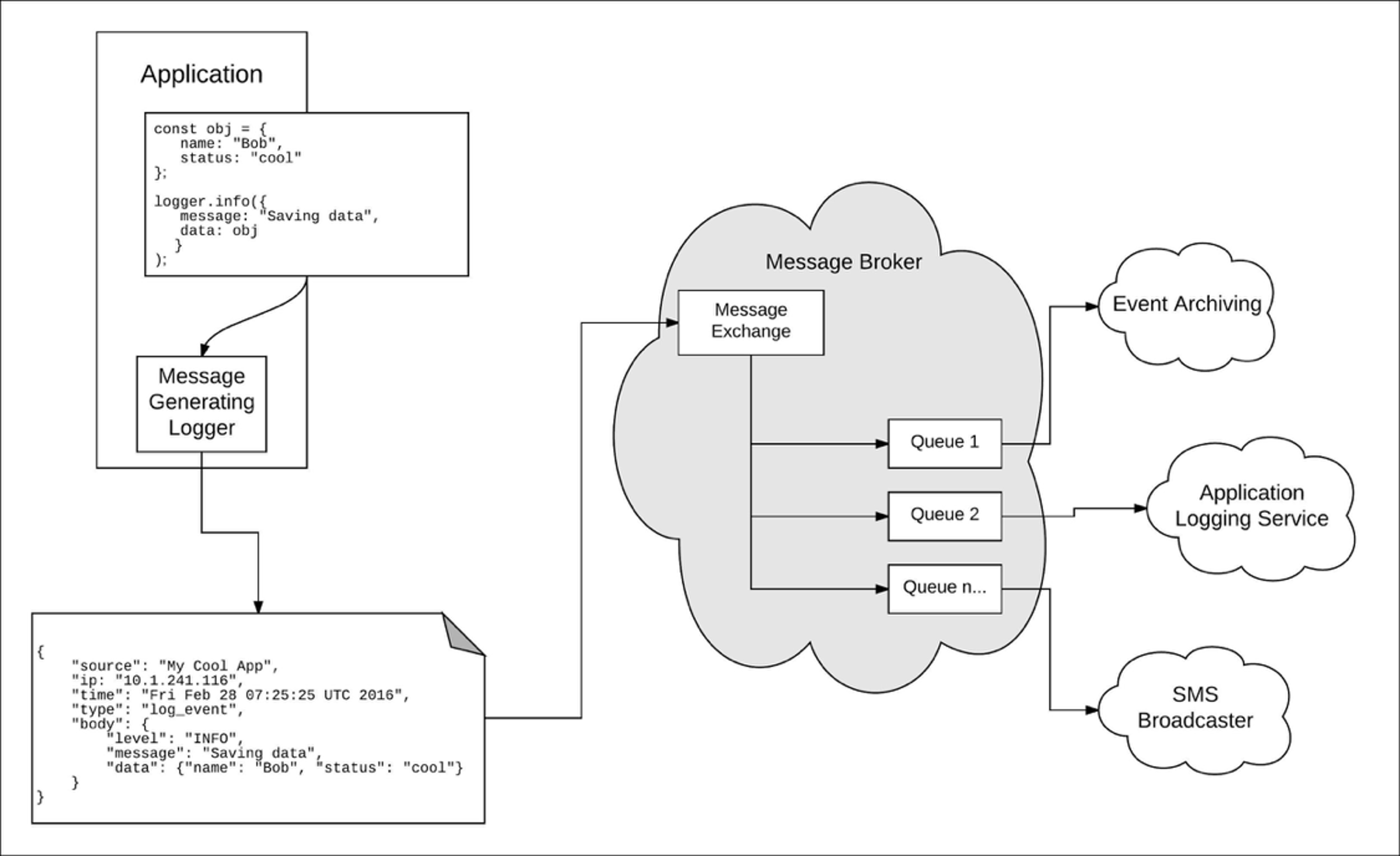
All Logentries servers are configured for the UTC timezone. We use this as the default timezone for all internal data including customer’s logs. However, at the browser UI level we detect a user’s local timezone and present all dates in a more human friendly way, i.e. in the local time.
We now allow users to change their time zone to UTC. This can be very handy when you manage systems in multiple regions or have a distributed development team where you want to have a common timezone that you can use.
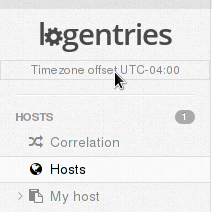
Simply click on the time zone information and you can update your log events so that they are shown in UTC – don’t worry you can switch back to your local time zone whenever you like. Enjoy!